VIDEOLAB
Videolab is a desktop application I built with vibe coding to automate repetitive, pattern-based video editing tasks that were becoming too time-consuming to handle manually at scale. It focuses on basic but high-volume editing operations such as combining, trimming, extending, cutting, and reordering videos. The tool splits animations into individual shots, automatically adjusts durations for different networks, and lets users recompose shots like puzzle pieces in any order. Renders can also export CSV and JSON metadata listing every component used, including shots, gameplays, endcards, language, duration, and type.
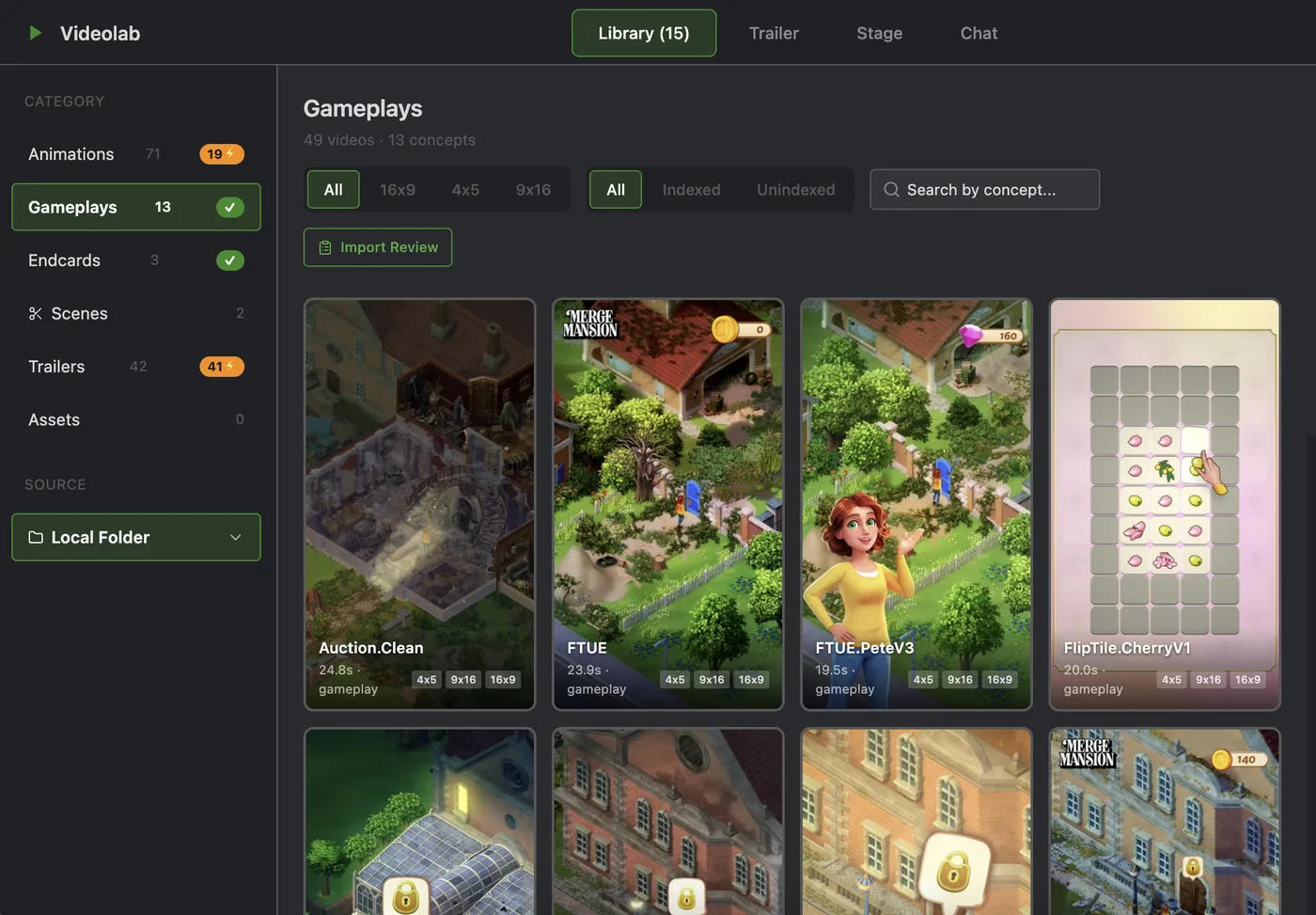
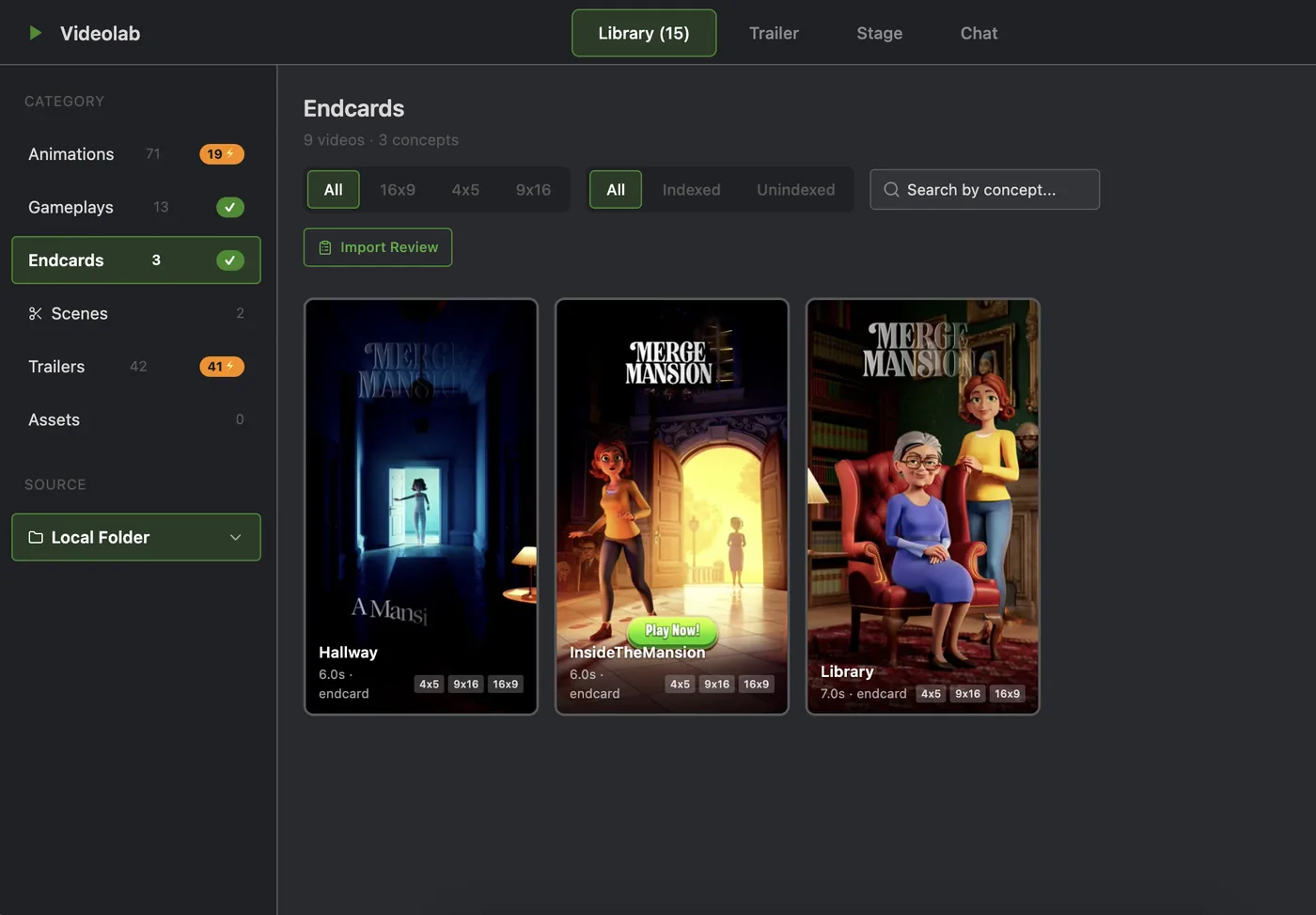
Indexed footage broken into searchable shots
Videolab imports raw footage and splits each video into individual shots, giving every shot its own unique embedding. The library automatically categorizes shots into Animations, Gameplays, and Endcards, making it easier to find clips by concept instead of manually scrubbing through timelines. The same embeddings also power reverse trailer analysis: users can drop in a finished trailer, and Videolab matches each shot back to its original source in the library.
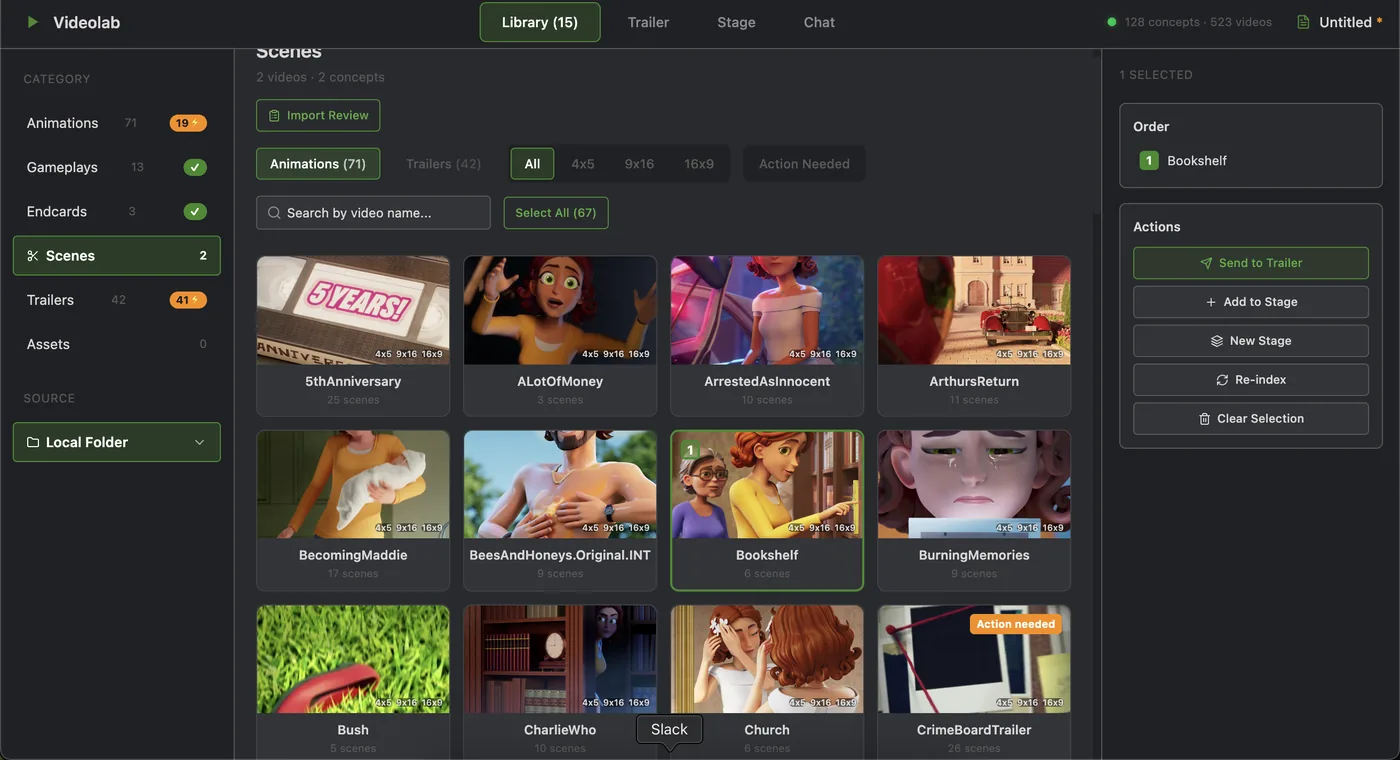
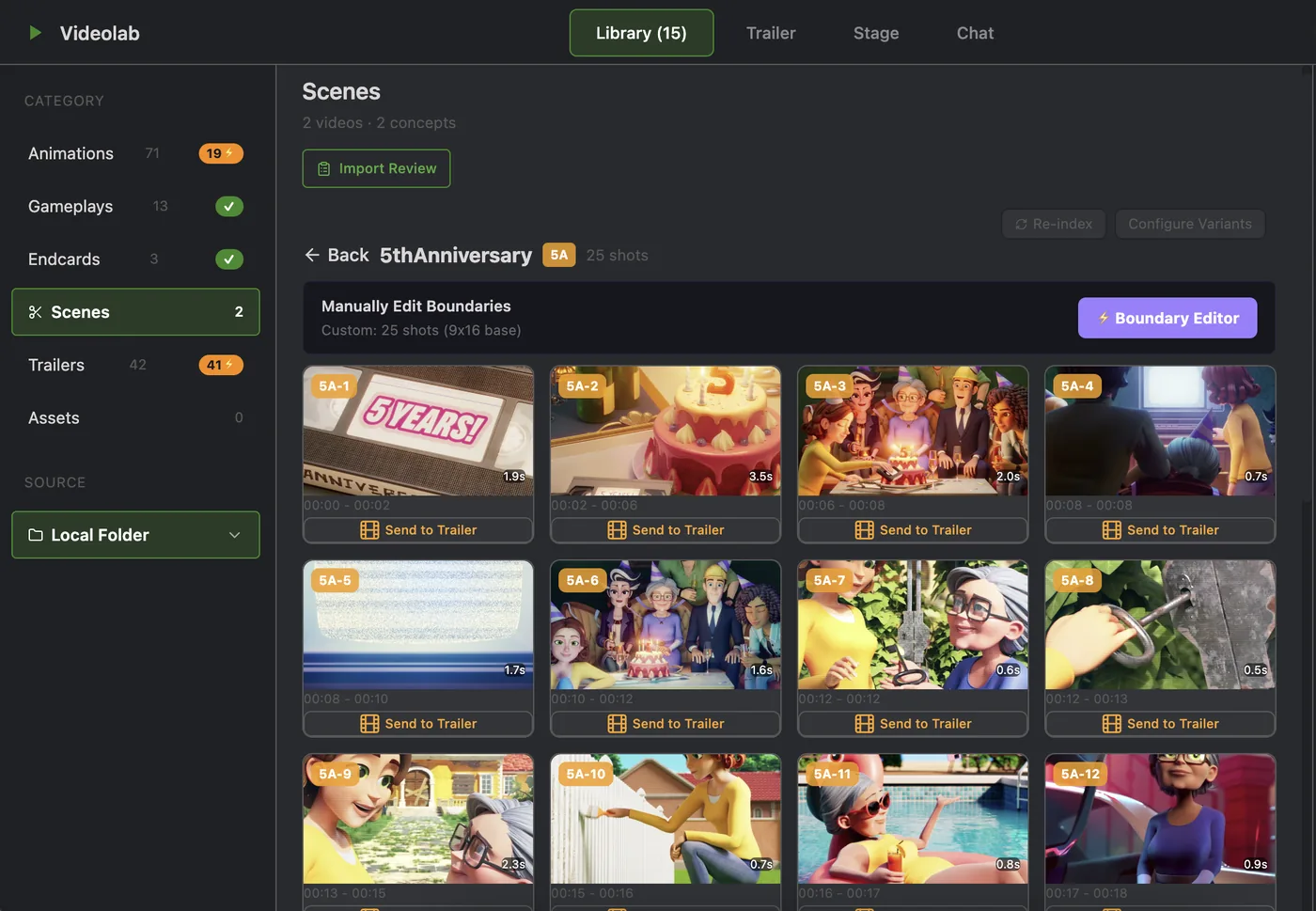
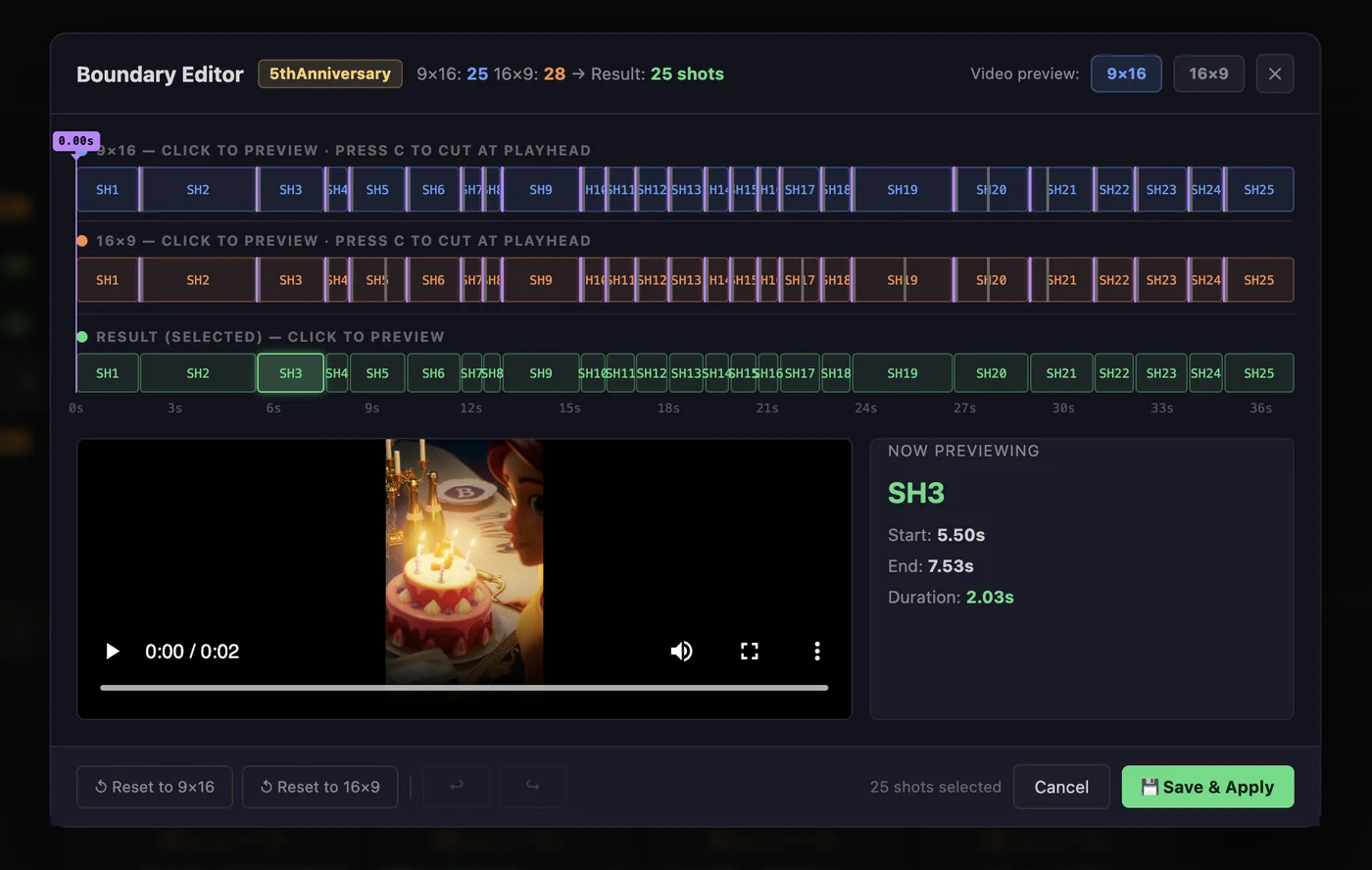
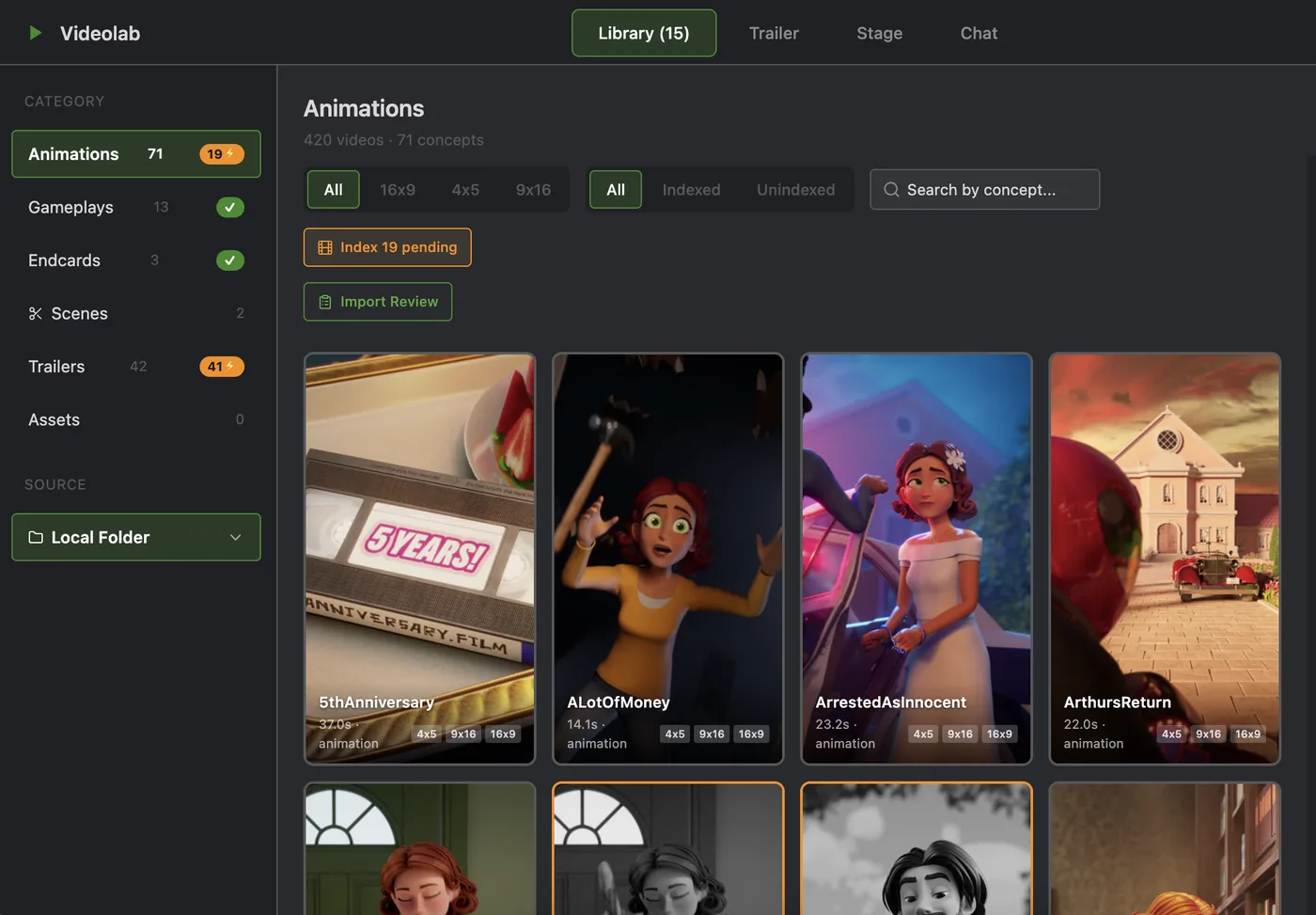
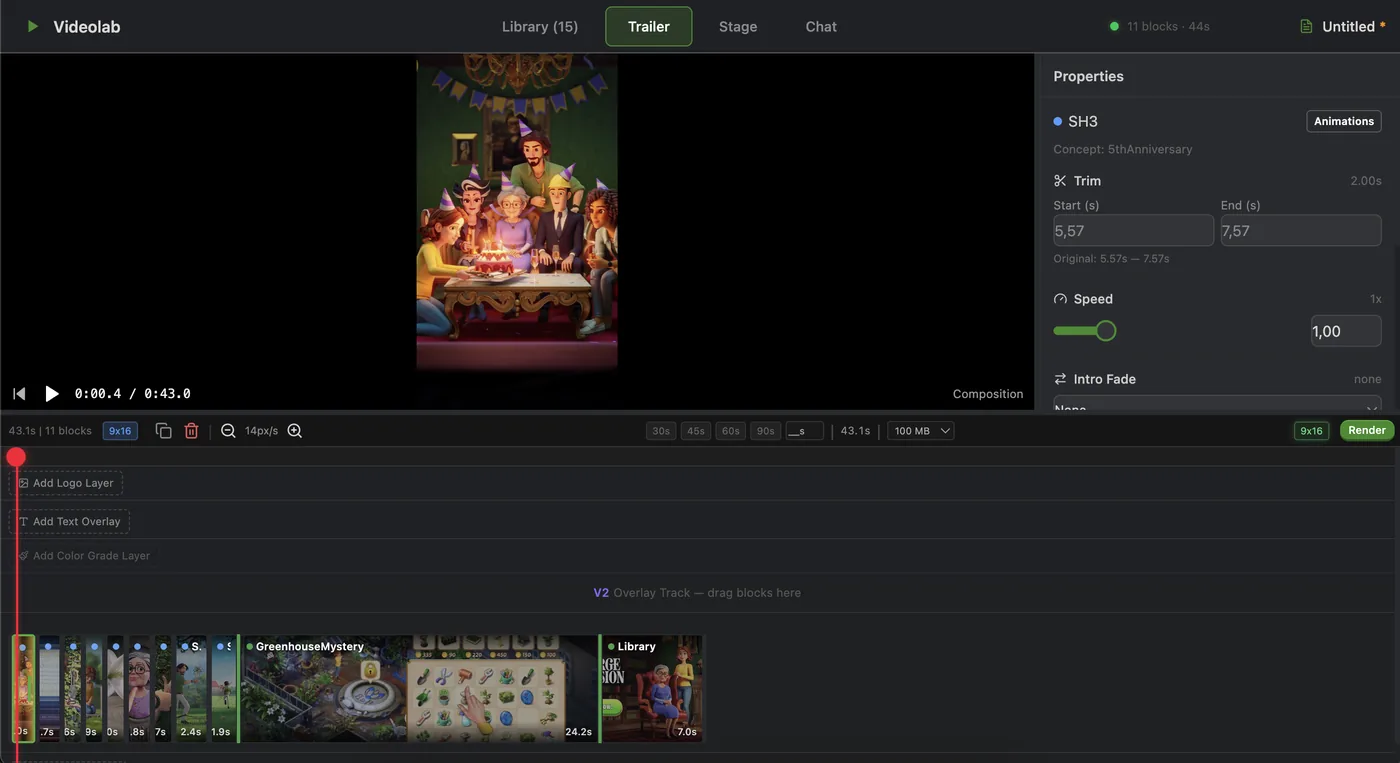
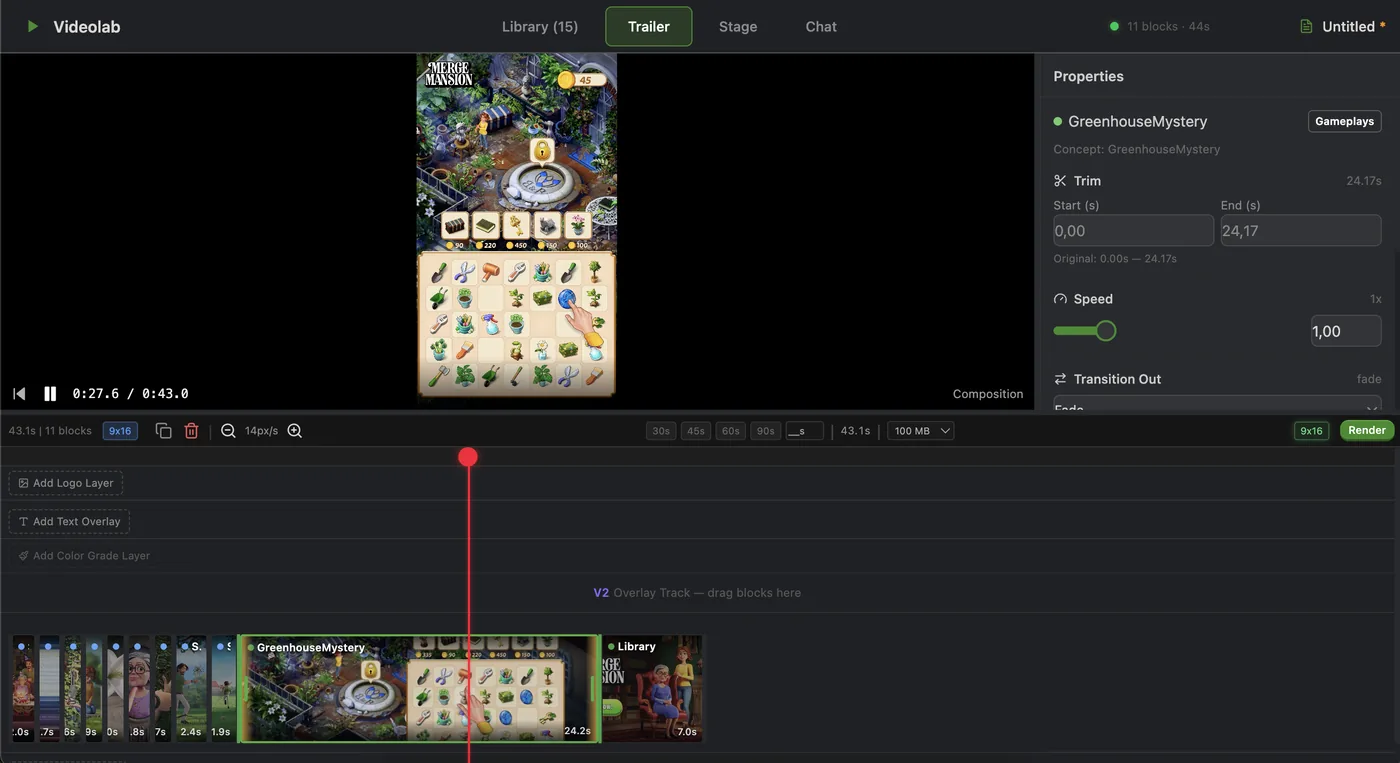
Visual trailer assembly with auto-fit for each network's required duration
Videolab composes ad trailers by sequencing shots from the library like puzzle pieces, in any order. Its standout feature is Auto-fit, which adjusts any composition to a target duration by first speeding up individual shots, then proportionally trimming the start and end of each one. This solves a repetitive, time-consuming task that requires little creative judgment: adapting the same video to different ad network durations such as 30s, 45s, 60s, and 90s.
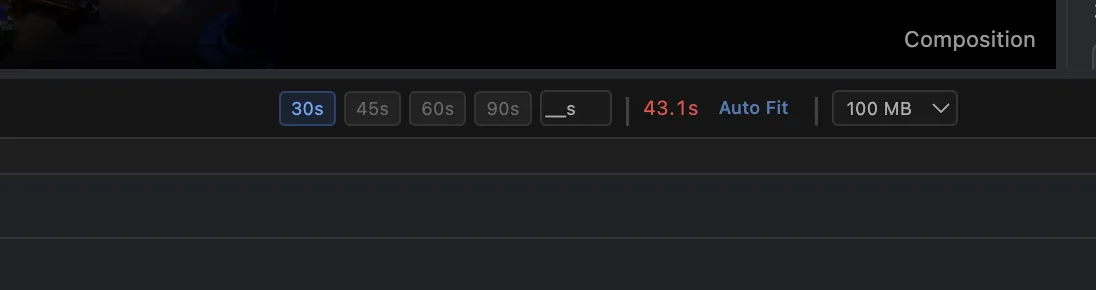
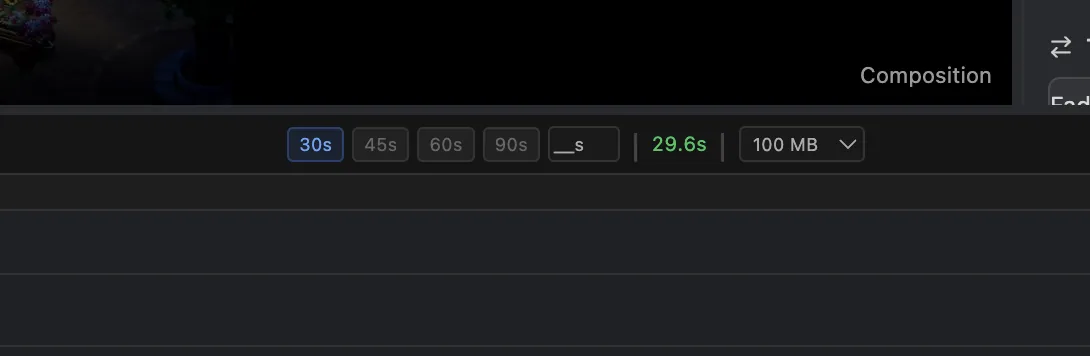
Batch video combinations for high-volume variations
Stage mode handles batch combinations of multiple videos. When marketing needs every permutation of, say, 3 animations × 2 gameplays × 3 endcards, the work is simple (placing clips back-to-back) but the sheer number of variations turns a basic task into hours of manual labor. Users drag and drop videos into different stages, set transition rules once, and Stage auto-combines and exports dozens of variations in one pass. The walkthrough below demonstrates the end-to-end workflow.
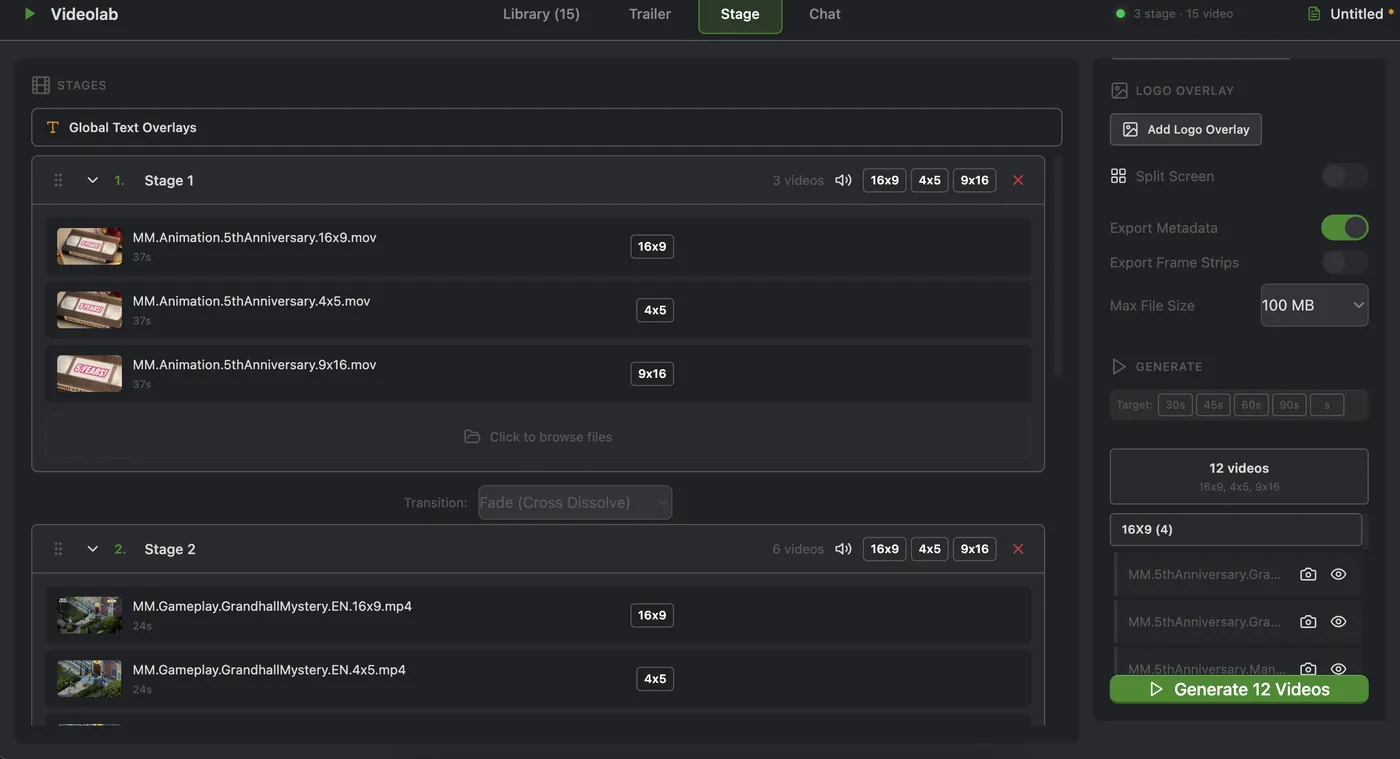
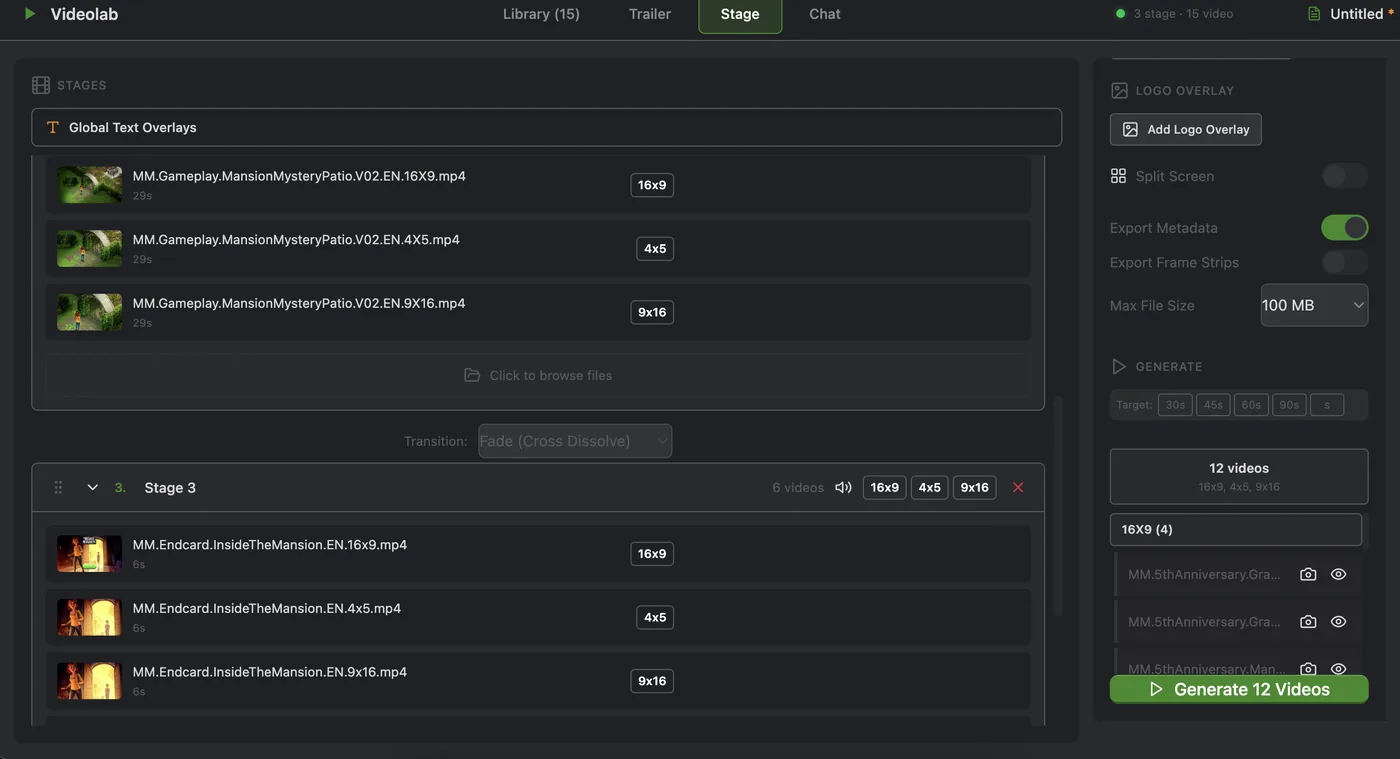
This walkthrough demonstrates Stage mode end-to-end.